
Download MSI Live Update – driver update, BIOS update, MSI utility, hardware update, driver management, system optimization, Windows tool
Overview
MSI Live Update is a dedicated utility designed to simplify the maintenance of MSI hardware components by automating driver and BIOS updates. The application addresses a common pain point among users: the time-consuming and error-prone process of manually searching for and installing the latest drivers. By streamlining this workflow, MSI Live Update ensures that systems remain optimized for performance, stability, and compatibility. It is specifically tailored for users of MSI motherboards, graphics cards, and related hardware, making it a targeted solution within the broader ecosystem of system optimization tools.
The app is developed by MSI, a well-known brand in the gaming and high-performance computing space, which lends credibility to its functionality and reliability. While the developer did not provide additional technical details about the app’s architecture or update frequency, the core purpose remains clear: to reduce user effort in maintaining system health. Real-world use cases include gamers who rely on peak GPU performance, content creators managing intensive workloads, and IT professionals responsible for maintaining multiple MSI-based systems.
Within the utilities category, MSI Live Update fills a niche by offering a centralized, automated approach to driver management. It enhances system longevity and responsiveness by ensuring that firmware and drivers are always up to date. For users who value performance consistency and system reliability, this tool provides a practical and efficient solution without requiring advanced technical expertise.
Key Features & Functionality
- Automatic Driver Updates: The app continuously scans for outdated drivers on MSI hardware components and downloads the latest versions automatically. This eliminates the need for users to visit the MSI support website and manually search for files, saving significant time and reducing the risk of installing incorrect drivers.
- Easy BIOS Updates: Updating the BIOS is traditionally a high-stakes task due to the risk of system failure. MSI Live Update simplifies this process by automating the entire procedure, including verification, download, and installation, with built-in safeguards to prevent interruptions.
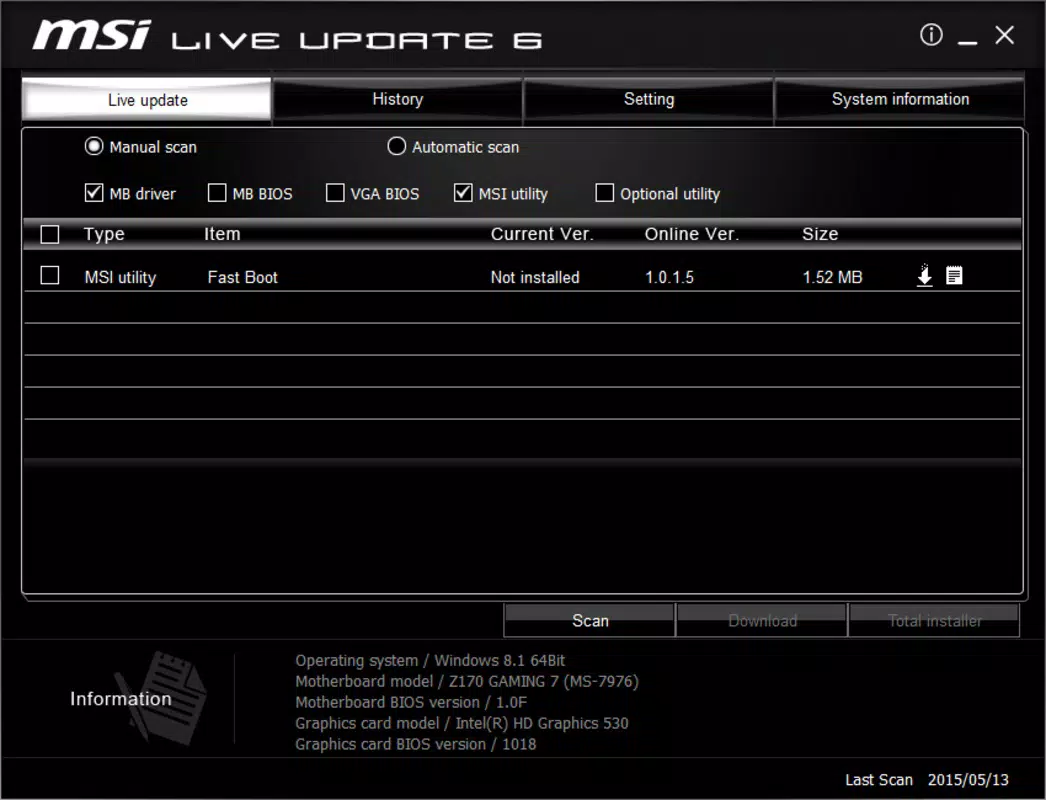
- Manual Driver Selection: For users who prefer granular control, the app allows individual driver selection. This enables users to review available updates and choose which components to update, ideal for those who want to avoid unnecessary changes or test specific configurations.
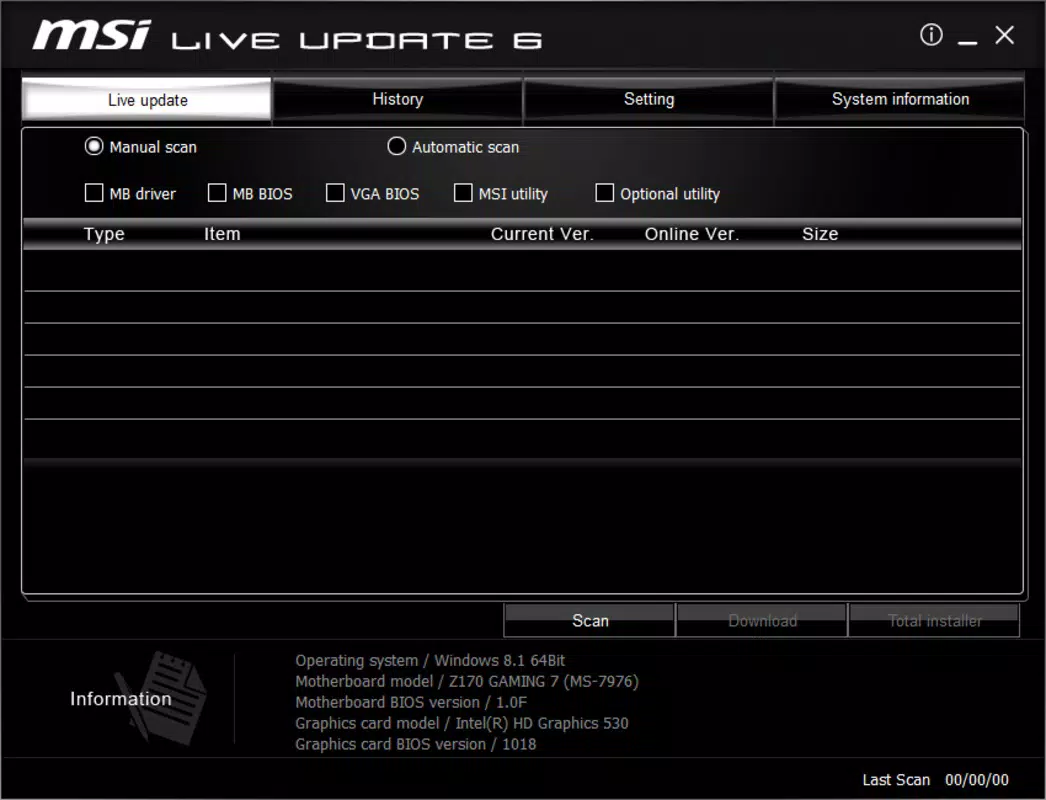
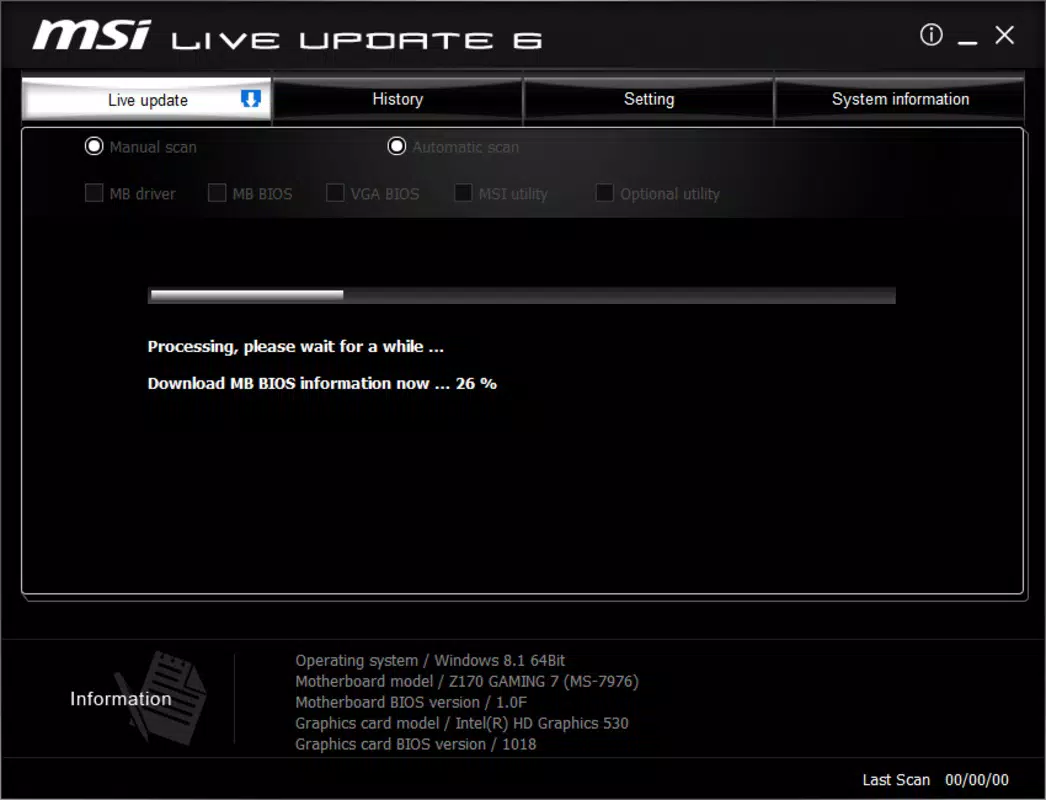
- User-Friendly Interface: The interface is designed with clarity and accessibility in mind. Navigation is straightforward, with clear visual cues and progress indicators, allowing users of varying technical skill levels to perform updates confidently.
- Broad Compatibility: The utility supports a wide range of MSI motherboards and graphics cards, ensuring that users across different product lines can benefit from its features. This broad support enhances its value as a universal tool for MSI hardware owners.
For example, a gamer might use the automatic update feature to ensure their graphics card drivers are always current, improving frame rates and reducing lag. An IT technician could leverage the manual selection option to update only specific components during a system audit, minimizing downtime.
Interface, UX & Performance
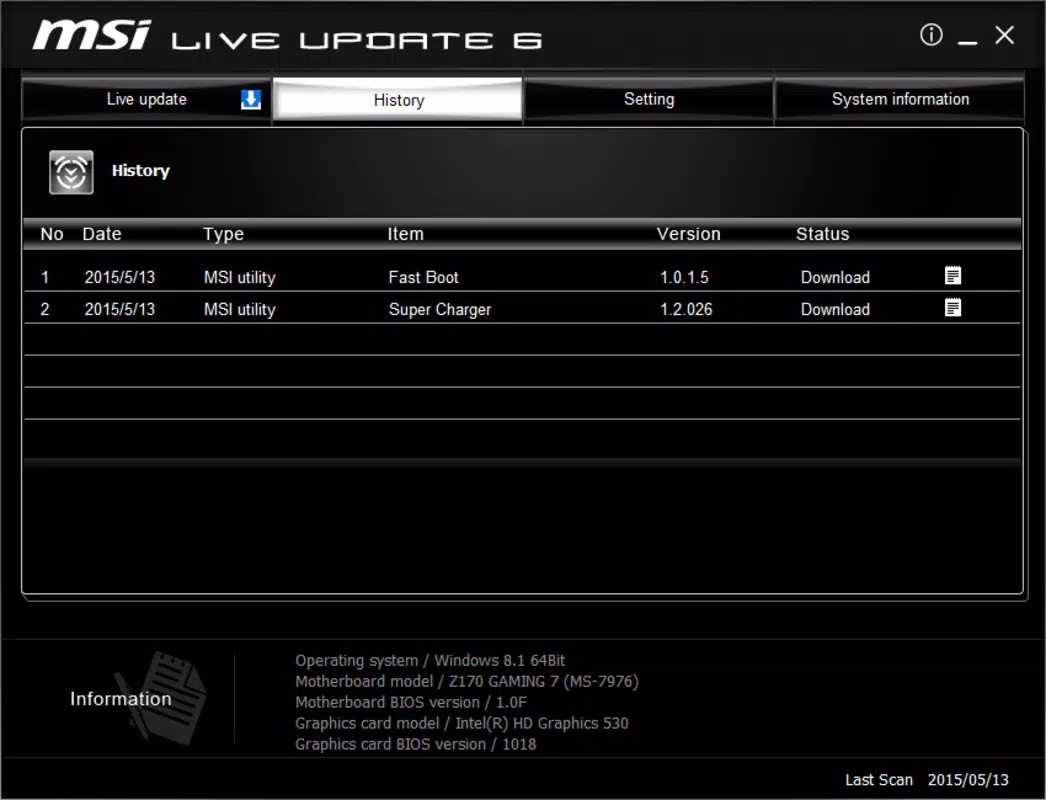
MSI Live Update presents a clean, minimalistic interface that prioritizes functionality over visual flair. The layout is organized into logical sections—driver status, update recommendations, and action buttons—enabling users to quickly assess their system’s update readiness. Navigation is intuitive, with a top-level menu and consistent placement of controls, reducing the learning curve for new users.
Although the developer did not list formal performance metrics, the app operates efficiently within the Windows environment. It consumes minimal system resources during scans and updates, ensuring that background operations do not interfere with active tasks. The responsiveness of the interface remains consistent across different device categories, from standard desktops to high-end gaming rigs.
Stability appears to be a key focus, particularly given the sensitive nature of BIOS updates. The application includes safeguards such as pre-update verification and rollback capabilities, which help maintain system integrity. Users can expect smooth operation during both routine checks and full update cycles, with clear feedback throughout the process.
Platform Compatibility & Technical Requirements
MSI Live Update is available exclusively for Windows, making it compatible with desktop and laptop systems running the Windows operating system. The current version is 1.0.0.1, and the application size is 35.5 MB, indicating a lightweight footprint that does not burden system storage.
The developer did not specify minimum OS requirements or compatibility details beyond the platform. As such, users should ensure their system meets general Windows compatibility standards. While no specific hardware requirements were listed, the app is designed to work with MSI hardware components, particularly motherboards and graphics cards.
Pros and Cons
Pros
- Automated driver and BIOS updates reduce manual effort and risk.
- Supports a wide range of MSI hardware, enhancing accessibility.
- Intuitive interface suitable for both novice and advanced users.
- Offers both automatic and manual update options for flexibility.
- Free to download and use, with no hidden costs.
Cons
- Exclusive to Windows, limiting availability for other platforms.
- Specific OS version requirements were not disclosed.
- May not support non-MSI hardware components.
- Limited information on update frequency or background behavior.
- Compatibility with older MSI models was not confirmed.
FAQ
Is MSI Live Update safe to use?
Yes, the app is developed by MSI and designed to update only MSI-specific drivers and firmware. It includes safeguards to prevent system instability during BIOS updates.
Can I use MSI Live Update on non-MSI hardware?
The tool is optimized for MSI components. While it may detect some drivers on non-MSI hardware, it is not recommended for use outside of MSI systems.
How often does the app check for updates?
The developer did not specify the update check frequency. Users can manually initiate scans at any time.
Is there a mobile version of MSI Live Update?
No mobile version is currently available. The application is designed for Windows desktop and laptop systems.
Can I cancel an update mid-process?
While the developer did not provide explicit details, the app includes safeguards that may allow safe interruption in certain cases. It is recommended to avoid stopping updates once they begin.
Final Thoughts
MSI Live Update stands out as a reliable, no-frills tool for maintaining the health and performance of MSI hardware. Its automation of driver and BIOS updates removes a significant burden from users, particularly those who value system stability and peak performance. The dual approach—automatic updates with manual override—caters to both casual users and advanced technicians, making it a versatile utility.
For gamers, creators, and IT professionals using MSI systems, this tool delivers tangible benefits in system reliability and efficiency. Its lightweight design, free access, and clear interface make it a valuable addition to any Windows-based setup.
Download MSI Live Update now


